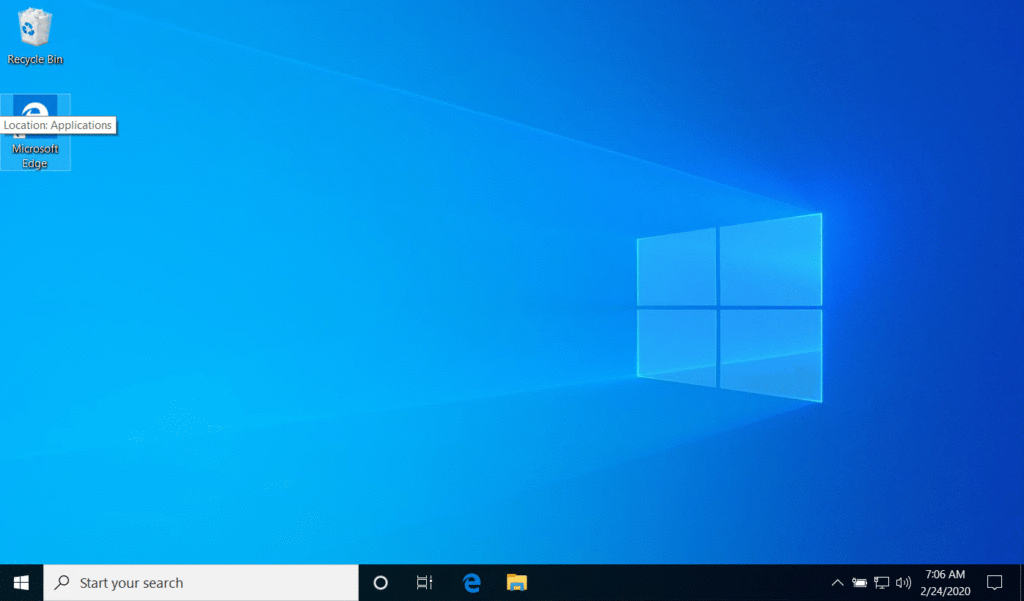
If you’re having difficulty printing or finding network shares, you may need to set your local network to “Private.”
Steps:
- Click the network icon in taskbar near the bottom right of your screen.
- Click the network that you are connected to.
- In the new window, click the network again.
- Click the “Private” radio button if it is not selected.