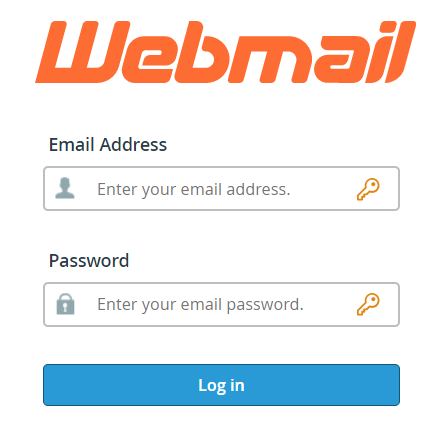
To access your email from a web browser, enter your domain followed by /webmail in the URL bar.
For example, if your email address is jsmith@example.com, you would visit https://example.com/webmail
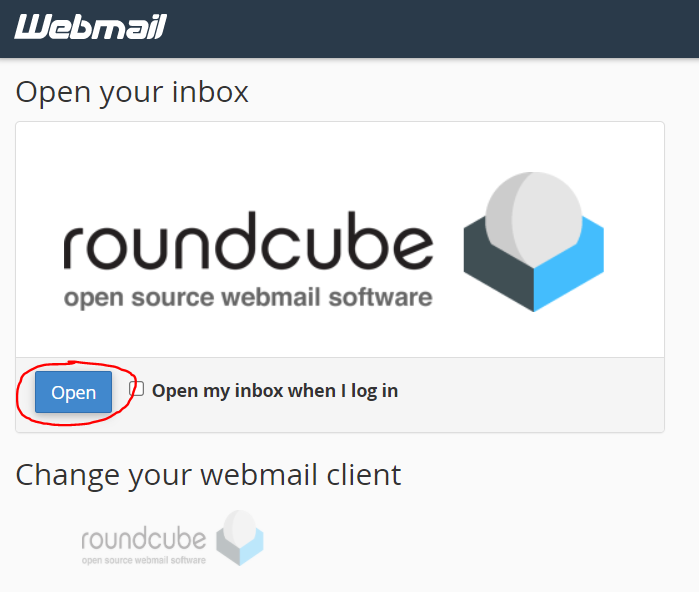
Once you’re logged in, you will see a landing page with some options for password reset, email forwarding, and configuring Mail clients.
To view your email, click the “Open” button under the roundcube logo.
If you would like to set up a mobile device or mail client, you can click the “Configure Mail Client” button to view the IMAP settings.