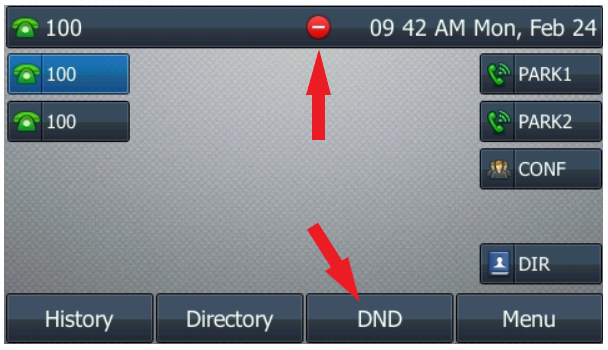
Do Not Disturb mode sends all incoming calls directly to voicemail without ringing. This is a good option if you are in a meeting, out of the office for a few days, or simply have had a rough day!
If you’ve noticed that your calls aren’t coming in, check to see if you’ve pushed the DND button accidentally.