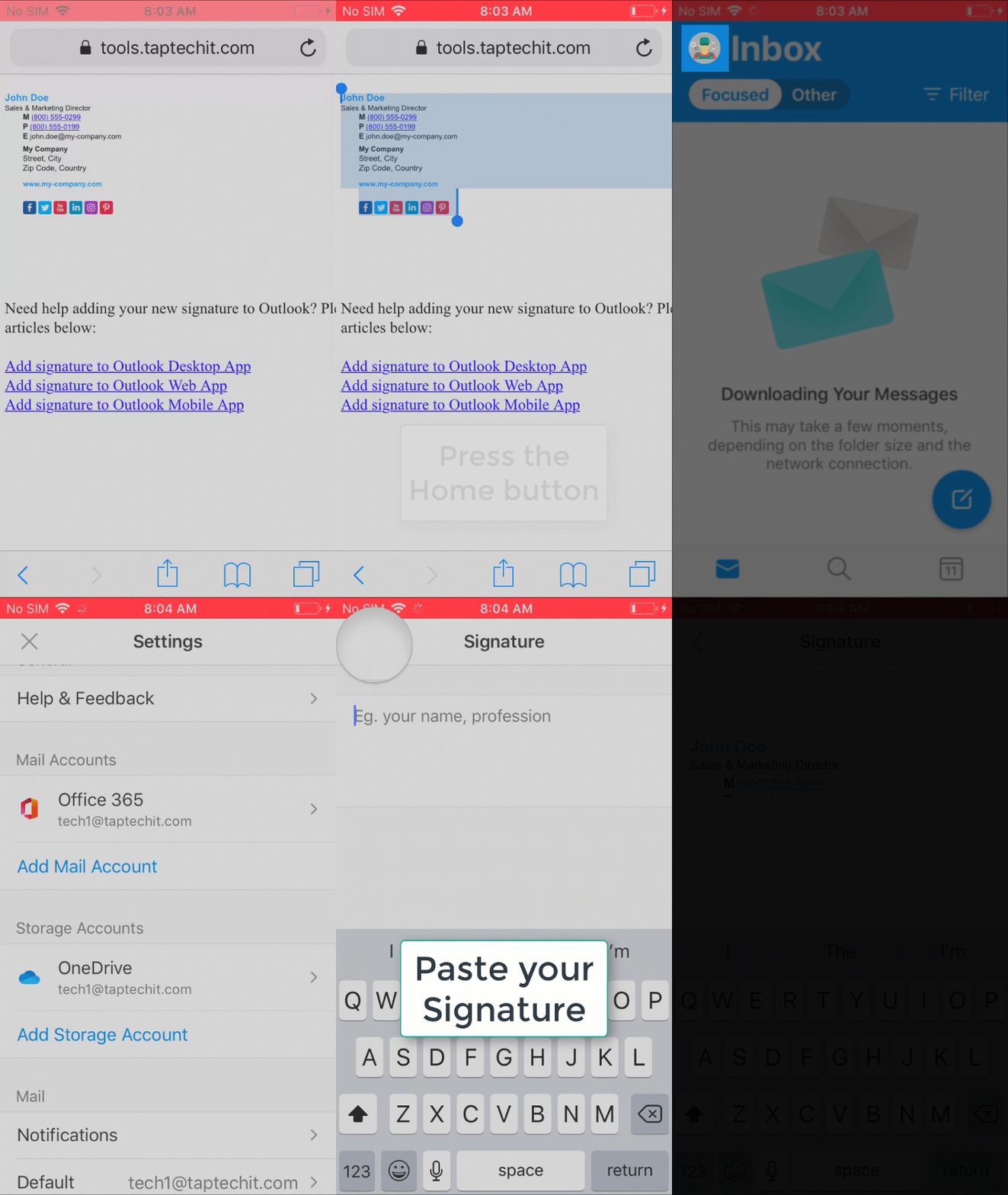
Add an email Signature in Outlook Mobile App Open the Outlook AppTap your user icon at the top leftTap the settings gear icon at the bottom leftScroll down to and tap SignatureEnter or Paste your signature into the text area. Updated on January 11, 2021 Was this article helpful? Yes No Related Articles Share an Outlook Calendar Open a Shared Mailbox from Outlook mobile app Open a Shared Mailbox from Outlook Web App Edit Outlook Calendar Permissions Change the Office Theme Send an Encrypted Email