Initial Setup
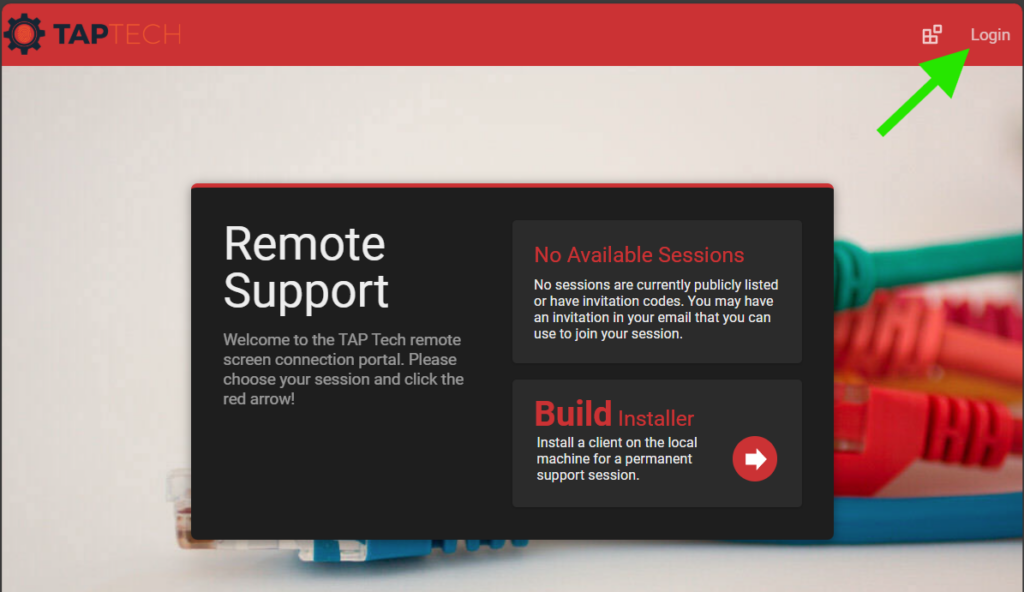
Visit https://sc.taptechit.com and click on the Login button
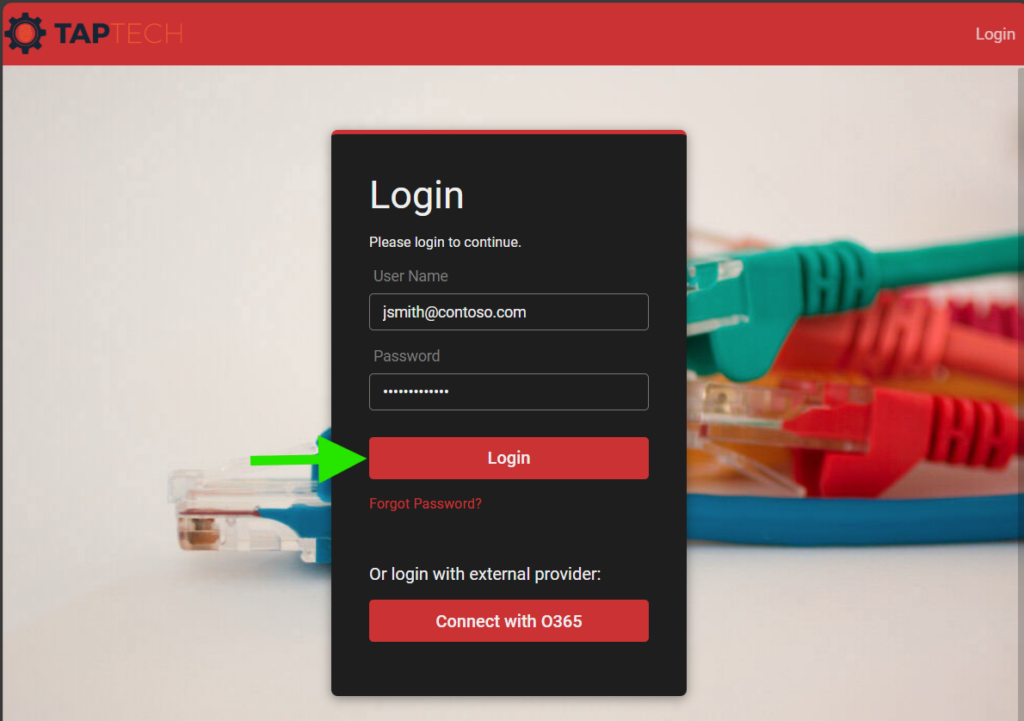
Next, enter your email address and password and click Login. For new accounts, you will need to update your temporary password to a new one.
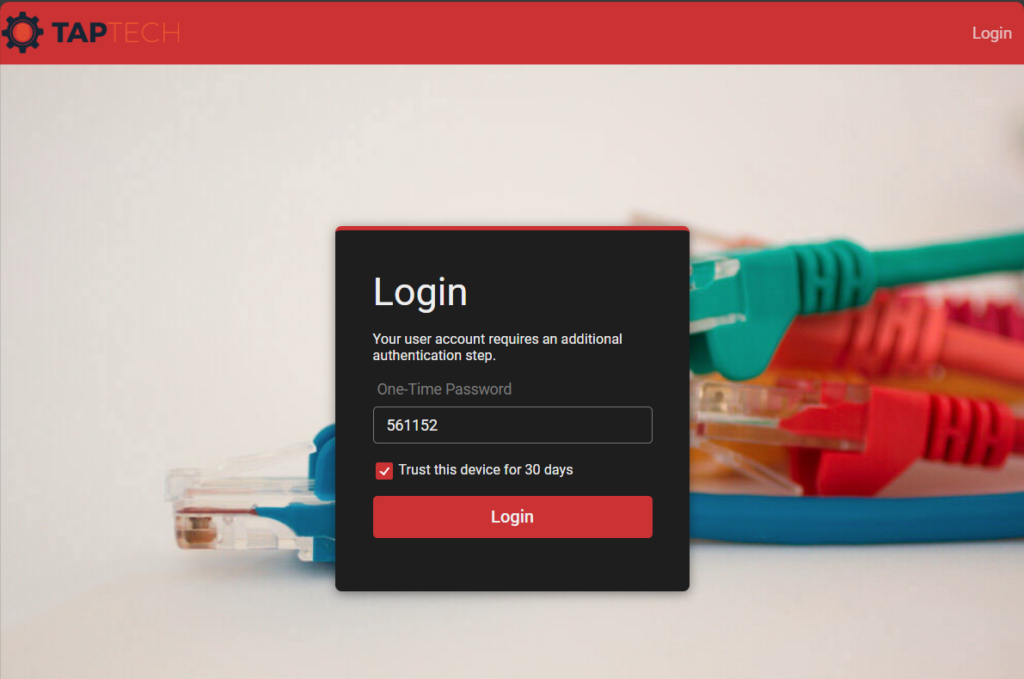
Next, you’ll need to enter you second-factor code. This code will be emailed to you.
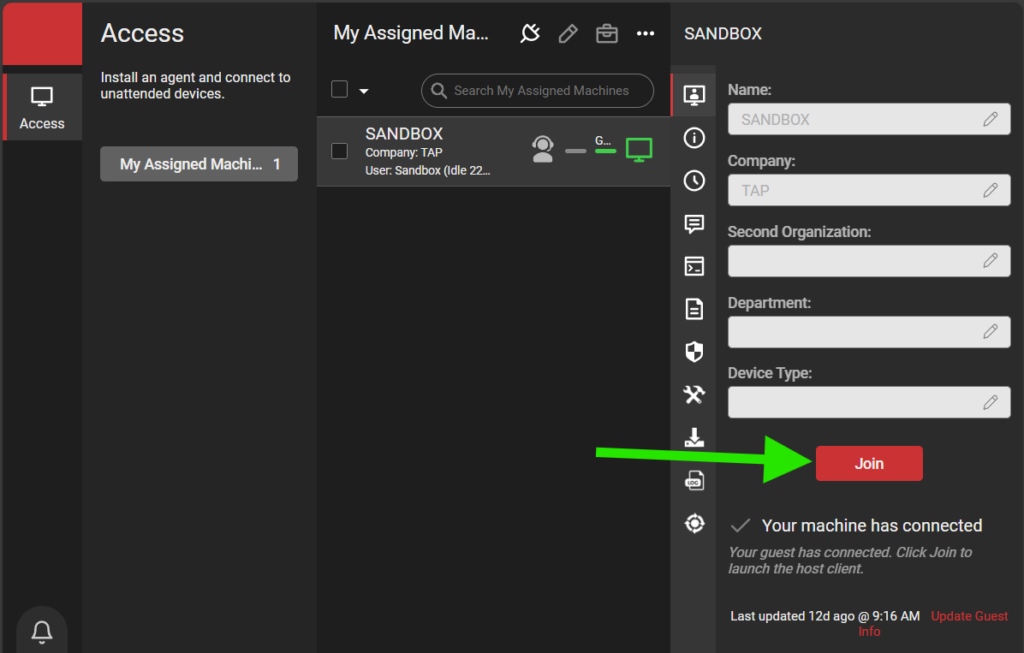
Once logged in, you will see the computers that you have access to. To join a session and remotely control your computer, click the Join button on the right.