Scope
Intended Audience: All End Users
This article outlines how to create shared contacts in the Manager Portal. Shared contacts are visible to all users and can be displayed as speed dials or in a contact book.
Requirements
- Office Manager Access to Manager Portal or higher
- Log in to the Manager Portal
- Navigate to Users
- Click on Shared Contacts
- Click Add Shared Contact or Import using Outlook, Google, or Apple vCard
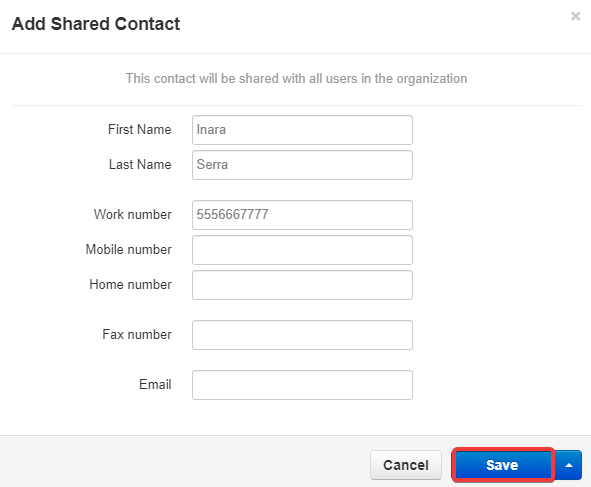
- Complete the fields as desired. First Name and Last Name are required
- Click Save